Loading PixDazzle
A full walkthrough of browser editing on PixDazzle, plus shorter notes on sizes, formats, blur, square crops for round photos, watercolor, pixel art, sketch, line art, and what each tool actually does.
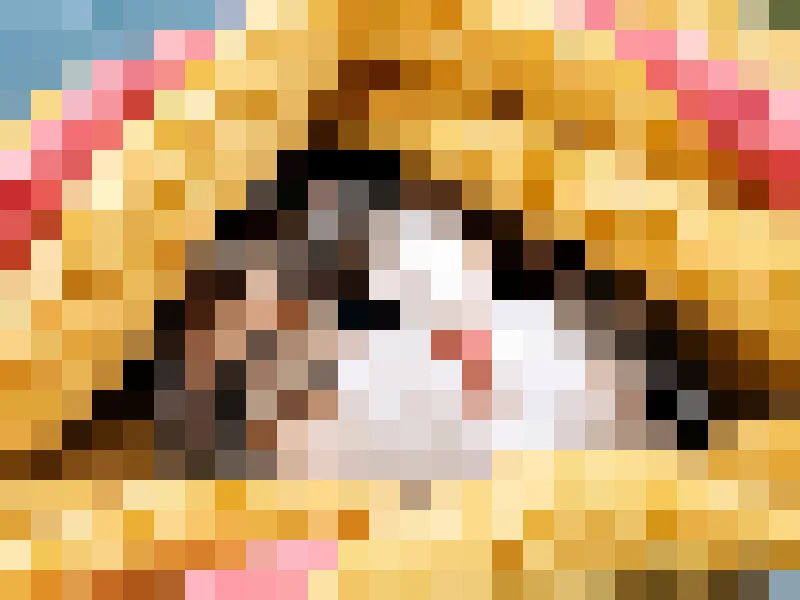
Pixelation and blur discard detail in different ways, and neither is safe for sensitive text at low strength. Here is when to use each and how to set them.
Common sizes for square posts, portraits, stories and link previews, and how to crop and resize a photo to fit without stretching it.
Pixel dimensions, quality and format decide file size. Learn which one to change first, what settings to use, and how to check the result.
A comparison of JPG, PNG and WebP covering compression, transparency, file size and compatibility, with a simple rule for choosing.
Blur a photo in your browser with PixDazzle. Soften the whole frame, blur background with Sharp center, hide detail safely, no upload.
Compare free browser photo editors, check whether files upload, and match tools to tasks: effects, filters, crop, resize, and private on-device editing.
How to plan a private photo background change, make an image transparent, remove a white background, and what PixDazzle does not include.
YouTube thumbnail size on the current help page is 3840 by 2160 at 16:9, in JPG or PNG. Crop and resize in the browser, then stay under the upload limit.
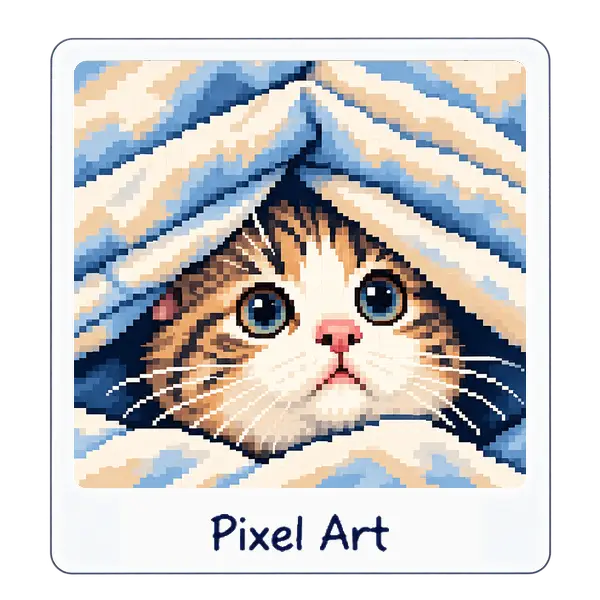
Turn a photo into pixel art in the browser. Set pixels across, pick a palette, add dithering, and download. A direct way to make pixel art from a picture.
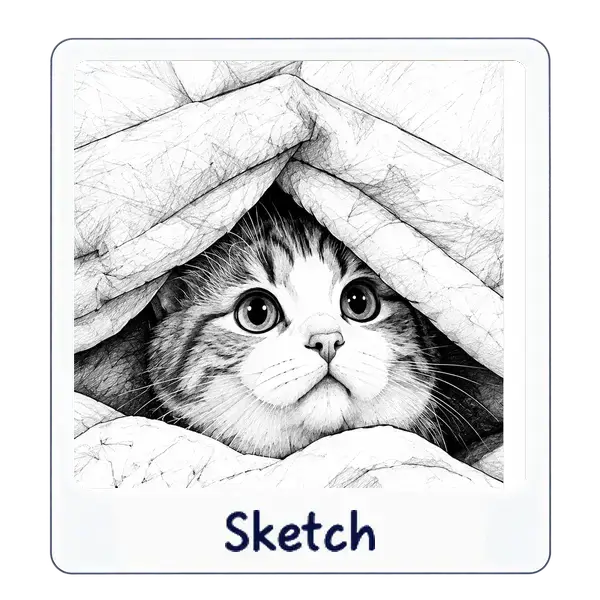
Turn a photo into a pencil sketch in the browser. Set line softness, strength, paper, and color on the Sketch effect, then download a drawing of your picture.
Convert WebP to JPG in the browser, or with Paint on Windows and Preview on Mac. See how transparency is filled, and when a WebP to PNG file is the better copy.
Make a coloring page from a photo with dark lines on white. Tune detail, thickness, and smoothing in Image to Line Art, then save a PNG you can print.
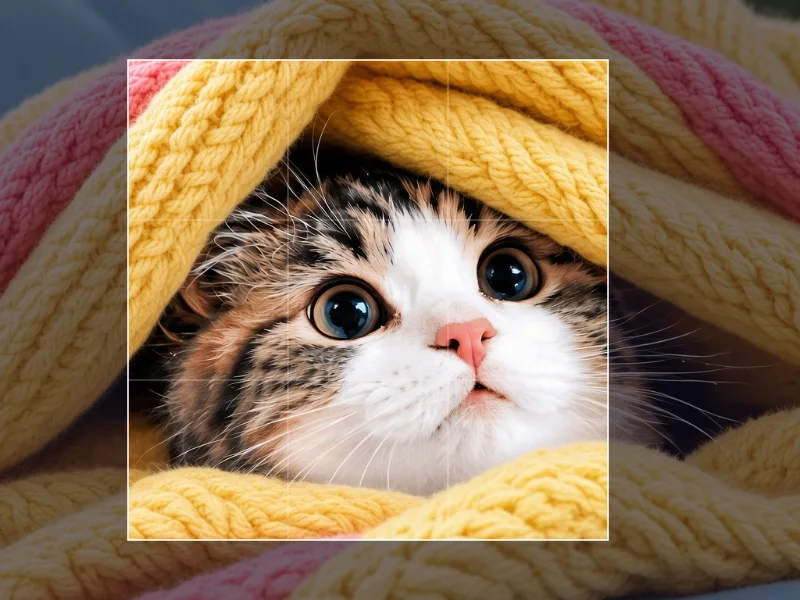
Circle crop an image for a profile by framing a square in Crop Image. The export is a rectangle, not a round mask. Use CSS or the platform's own circle.
Make a watercolor photo in the browser. Set wash size, pigment, edge darkening, and paper. The Transparency slider lightens color. It does not cut a hole.
Change color of image online with PixDazzle: grayscale, pop art, watercolor, and light effects in the browser. No signup. Processing stays on your device.
Find the right photo sizes for print, websites, social media, and Pinterest. Learn about pixels, aspect ratios, resolution, file size, and cropping.
What EXIF and GPS metadata are, why to strip them before posting, and how PixDazzle exports a new file without camera metadata when you download from its tools.
Learn how to make an image clearer with practical browser steps for blur, resizing, compression, formats, websites, social posts, and print. PixDazzle has no sharpen or upscale tool.
Learn how to increase DPI of an image, calculate print size, resize pixels, protect quality, and prepare files privately with PixDazzle.