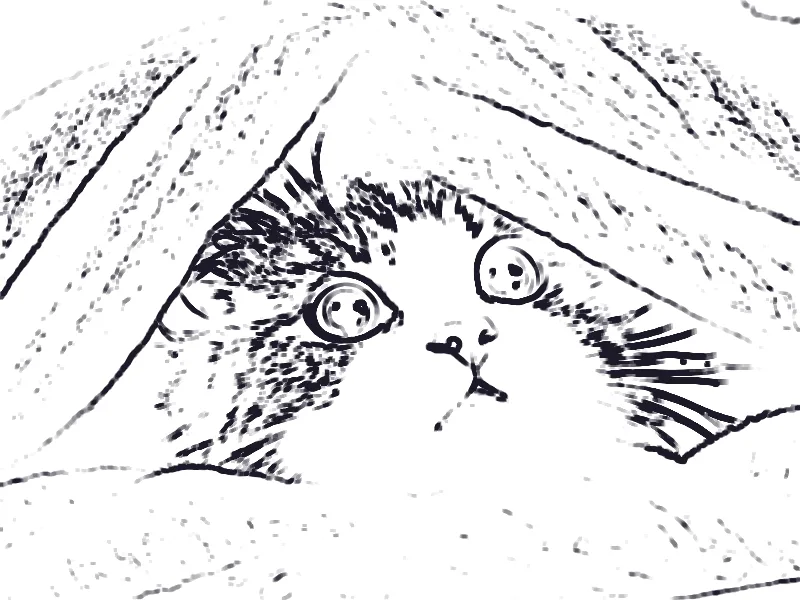
What a photo to sketch effect keeps
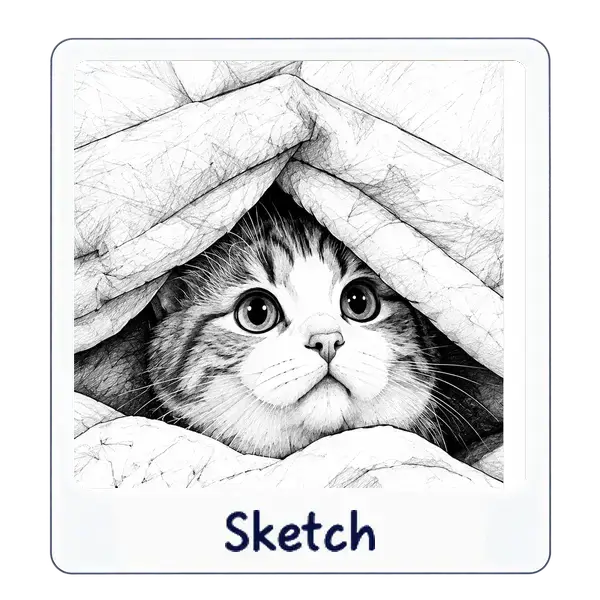
Sketch starts from a grayscale version of the photo, weighted the way the eye sees brightness. It blurs that gray and divides the sharp gray by the blur, which is the color-dodge step that turns smooth skin into paper and turns edges into graphite.
Line softness controls that blur. The control runs from 1 to 30, and a higher number spreads the lines. Line strength, from 0 to 100, darkens the strokes. Paper grain adds a light texture. Color, from 0 to 100, blends the original color back in, which is how Colored pencil keeps hue without becoming a photo again.
The paper itself is White, Warm, or Gray. Warm is a cream tone. Gray is a cooler sheet. None of these modes invert the drawing into white chalk. That option lives on Image to Line Art.
Turn a picture into a pencil drawing
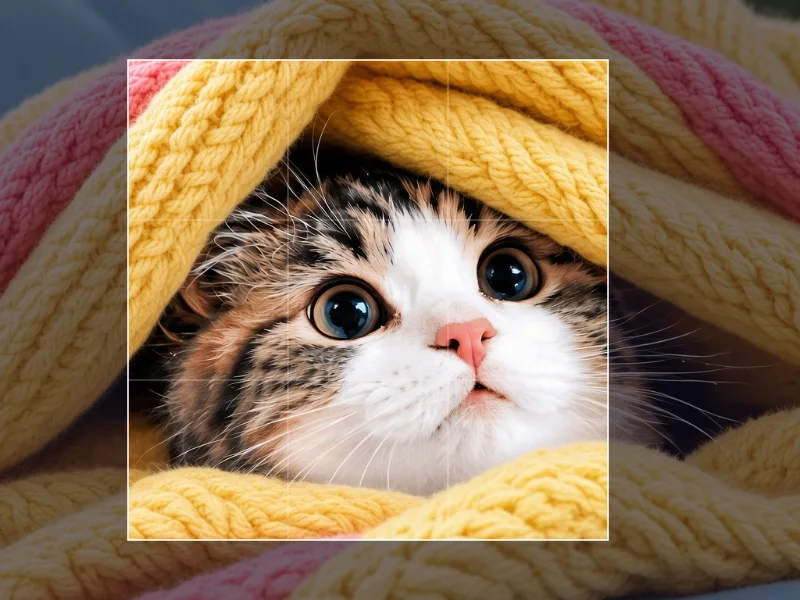
The effect applies to the whole frame. Crop first if you want a head-and-shoulders drawing rather than a sketch of the entire room.
- Open the Sketch effect and add a JPG, PNG, or WebP.
- Choose Graphite for a general pencil look, or Fine liner if you want sharper strokes.
- Move Line softness, Line strength, Paper grain, and Paper until the face still reads.
- Leave Color at 0 for graphite. Raise it, or pick Colored pencil, when you want the original hues.
- Download PNG to keep the paper tone clean, or JPEG for a smaller file. The quality slider starts at 92%.
Tune softness, strength, paper, and color
The default matches the Graphite preset: line softness 8, strength 70, no color, grain 25, warm paper. From there, small moves matter more than starting over.
- Fine liner: low softness, high strength, white paper. Closest to a pen drawing.
- Charcoal: high softness, full strength, gray paper, more grain. Lines smudge.
- Colored pencil mixes the photo's color into the strokes. It is not a flat paint bucket.
- Paper grain at 0 is a cleaner sheet. High grain is visible speckle, not a new drawing.
| Preset | Softness | Strength | Color | Paper |
|---|---|---|---|---|
| Graphite | 8 | 70% | 0% | Warm, grain 25 |
| Fine liner | 3 | 90% | 0% | White, grain 10 |
| Colored pencil | 10 | 55% | 65% | Warm, grain 35 |
| Charcoal | 16 | 100% | 0% | Gray, grain 60 |
Photos that become readable sketches
Contrast is the raw material. A face against a plain wall sketches more clearly than a face in dappled shade, because the dodge step draws every strong edge, including leaves, bricks, and fabric texture.
If the background is noisy, crop it out or blur it first with Blur Image. The Soft preset is amount 15 across the whole frame. A heavy blur will also soften the subject, and Sketch cannot protect a face while you blur only the background, unless the subject sits in the center and you use Sharp center. After that, open Sketch on the exported file.
Pencil sketch and coloring page are different tools
Sketch shades the photo, so the page is full of gray. Image to Line Art draws dark outlines on white and has a Coloring page preset. Use that tool when someone needs lines they can color in. The coloring page guide covers those controls.
Save the drawing and check the lines
Zoom the downloaded file to the size you will print or post. Hair, glasses, and text in the background are where extra lines show up. If the sheet looks muddy, lower Line softness or switch to Fine liner and crop tighter.
JPEG can add faint blocks in the pale paper. If the drawing is for print, PNG avoids that extra pass. The file stays on your device either way.