
Loading PixDazzle
Soften a whole photo or keep the center sharp.


Choose an image to start
Drag and drop a photo here, choose a file, or paste from your clipboard. JPEG, PNG, and WebP up to 48 megapixels.
Your image stays in your browser for local effects.
Blur an entire picture, or leave a sharp oval in the middle so the edges fade softly. Blur strength scales with the picture, so the preview matches the download.
Use a JPG, PNG, or WebP file from your device.
Slide the blur amount, or start from the Soft, Strong, or Sharp center preset.
Save the blurred image in the format you need.
Keep the subject crisp while the surroundings soften.
Edges blur cleanly without dark borders.
Processing happens on your device.
Turn the same photo into something more creative.

Add a soft bloom to highlights with adjustable glow size, intensity, and color tint.
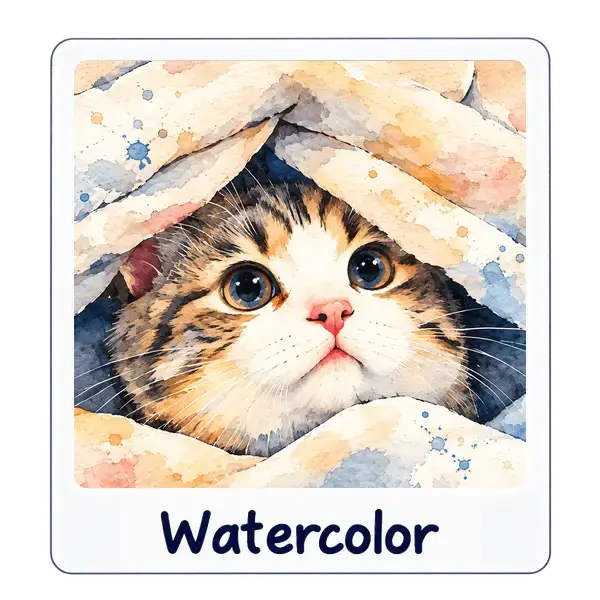
Soft washes and paper texture without leaving the browser.

Painterly smoothing that keeps edges crisp using a classic Kuwahara filter.