Loading PixDazzle
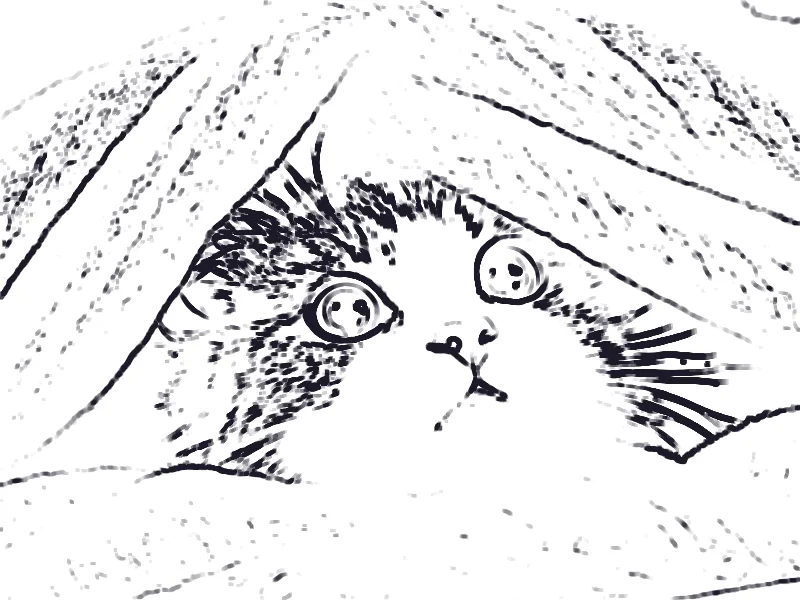
Clean outlines ready for coloring or print.

Choose an image to start
Drag and drop a photo here, choose a file, or paste from your clipboard. JPEG, PNG, and WebP up to 48 megapixels.
Your image stays in your browser for local effects.
Find the edges in a photo and draw them as dark lines on white paper. Use it for coloring pages, tracing references, or a simple graphic look.
High-contrast photos with clear subjects give the cleanest lines.
More detail picks up finer edges. Smoothing removes texture noise.
Save as PNG for printing or JPEG for sharing.
Thicker lines and more smoothing for simple shapes.
White lines on a dark background.
Line thickness follows the image size, so exports match the preview.
Turn the same photo into something more creative.
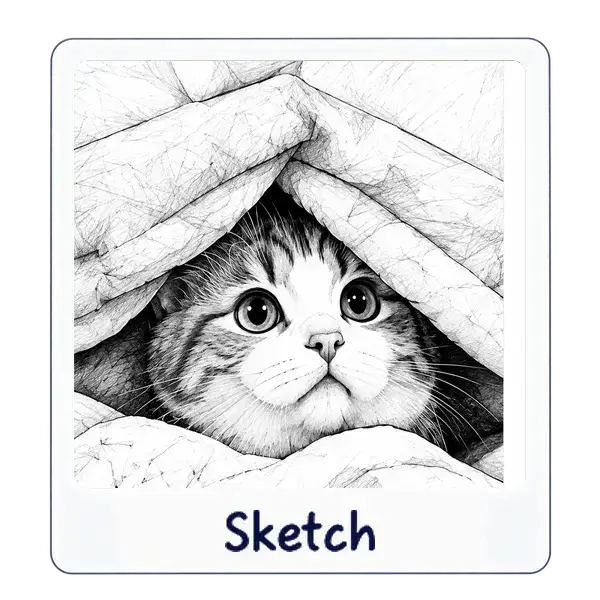
Pencil-style shading from any photo.
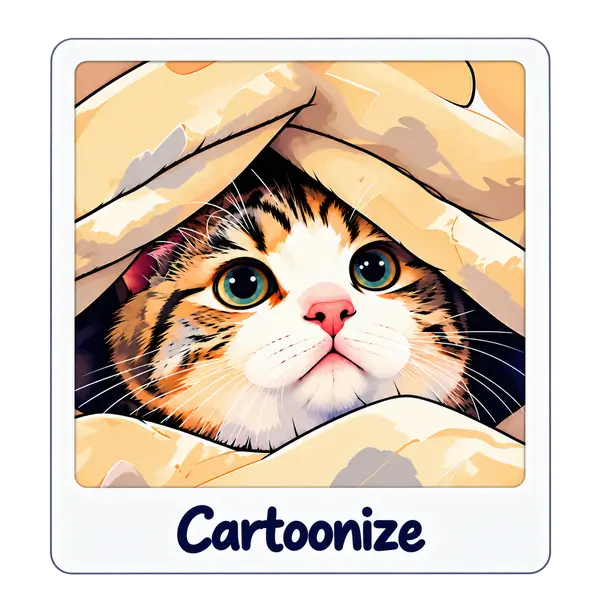
Bold outlines and flat color for a comic-book look.
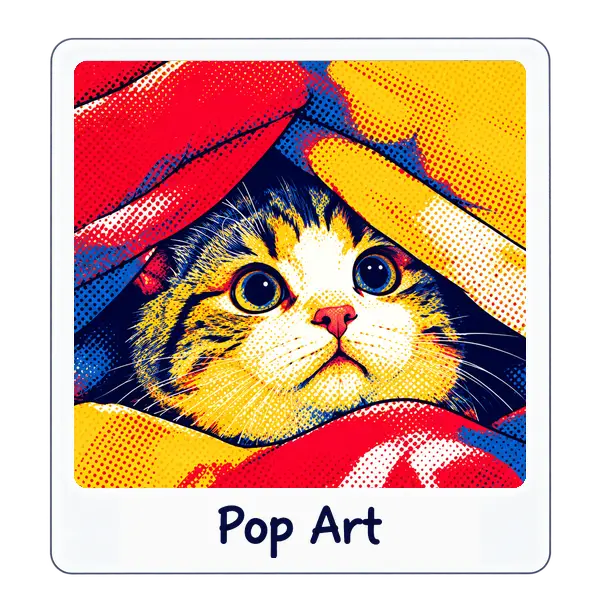
High-contrast panels inspired by screen-print posters.