Loading PixDazzle
Crop to a ratio or free size with a live framing guide.


Choose an image to start
Drag and drop a photo here, choose a file, or paste from your clipboard. JPEG, PNG, and WebP up to 48 megapixels.
Your image stays in your browser for local effects.
Frame your photo for a square post, a wide banner, or a tall story. Everything outside the frame is dimmed, with thirds guides to help you compose.
Open a JPG, PNG, or WebP file on your device.
Pick a ratio or Free, then set the size and position of the frame.
Only the area inside the frame is exported, at full resolution.
The crop is taken from your original file, not the preview.
Square, 4:3, 3:2, 16:9, and the portrait versions.
Rule-of-thirds lines make it easier to place your subject.
Turn the same photo into something more creative.
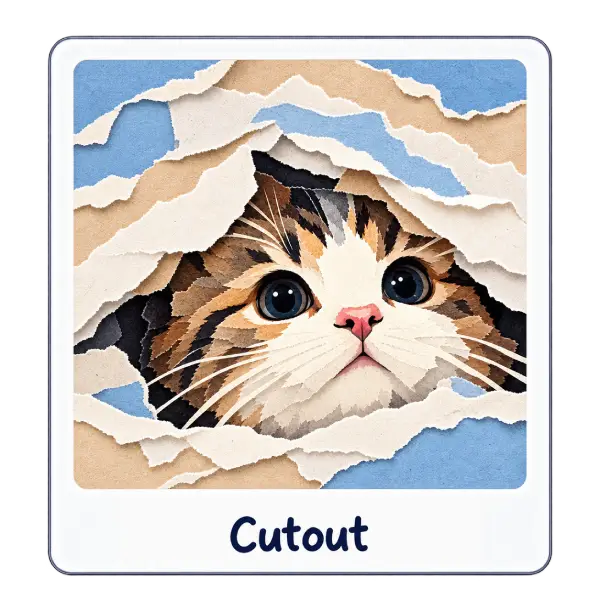
Reveal your photo through stacked sheets of torn paper. The picture itself stays photographic.
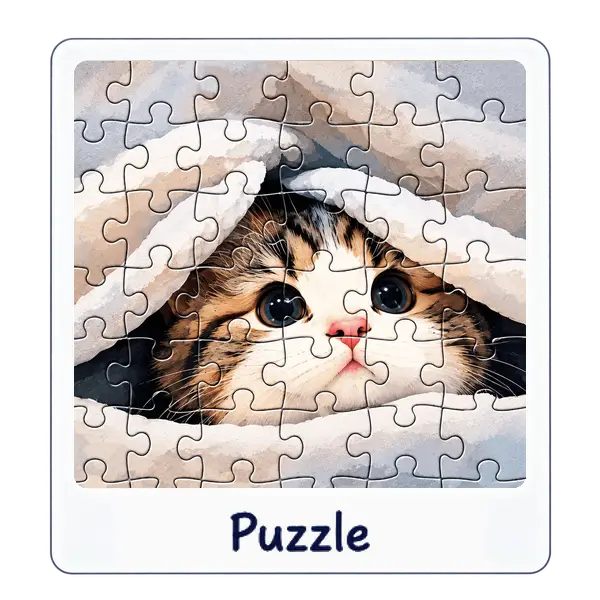
Slice a photo into playful puzzle pieces.
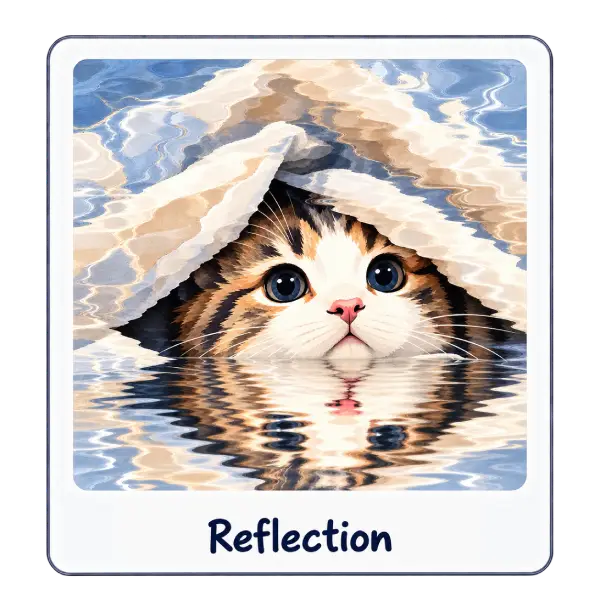
Mirror your subject with a polished surface effect.