Loading PixDazzle
Export at the exact dimensions you need.

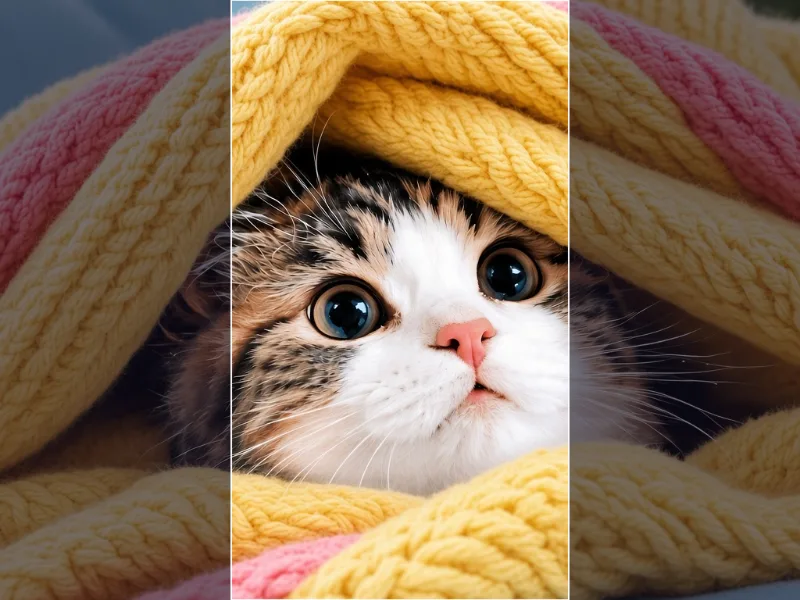
Choose an image to start
Drag and drop a photo here, choose a file, or paste from your clipboard. JPEG, PNG, and WebP up to 48 megapixels.
Your image stays in your browser for local effects.
Scale a photo by percentage, match a target width or height, or set an exact size for a profile picture, story, or thumbnail. The output size is shown before you download.
Your image loads locally and its size fills the fields automatically.
Choose percent, width, height, or exact size. Presets cover square, story, wide, and thumbnail sizes.
Save the resized file. The output size and file size are shown first.
Width, height, and percent modes keep the original shape.
Fill & crop trims the overflow evenly instead of squashing the picture.
Large reductions are done in steps to avoid jagged edges.
Turn the same photo into something more creative.
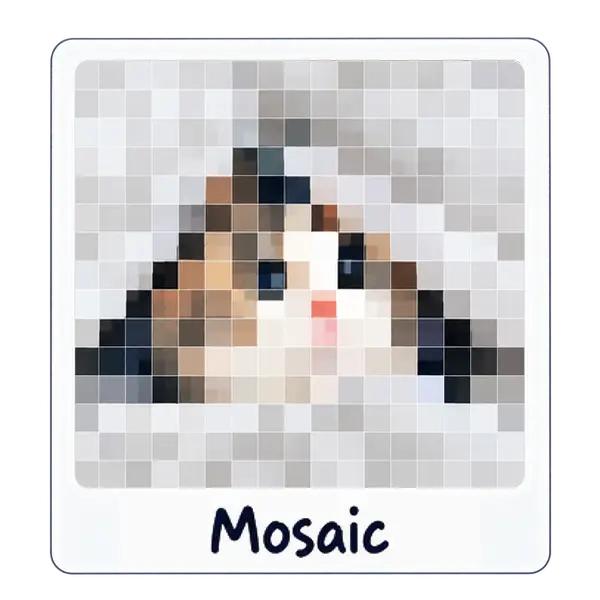
Tile your photo into square, hex, or triangle grids.
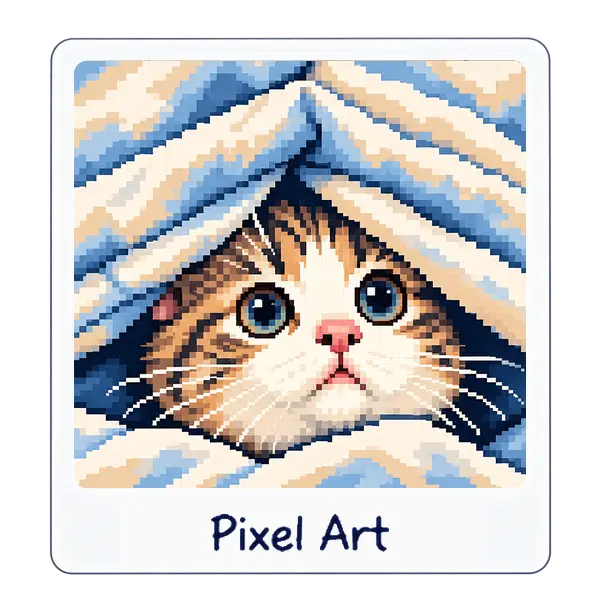
Chunky pixels with crisp retro color.
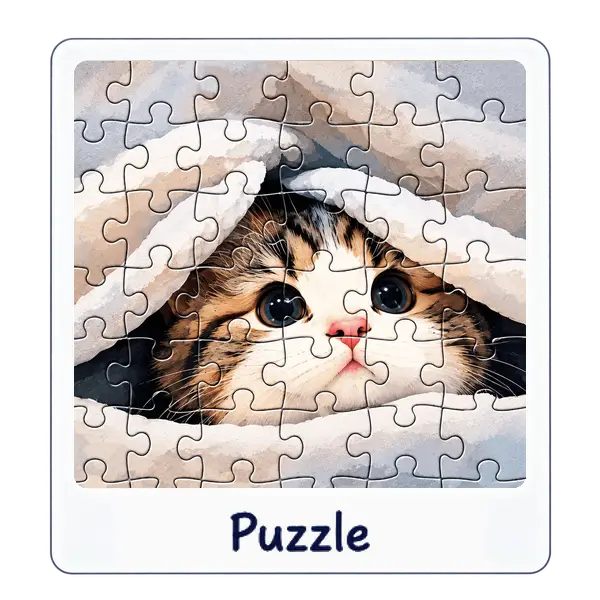
Slice a photo into playful puzzle pieces.