Loading PixDazzle
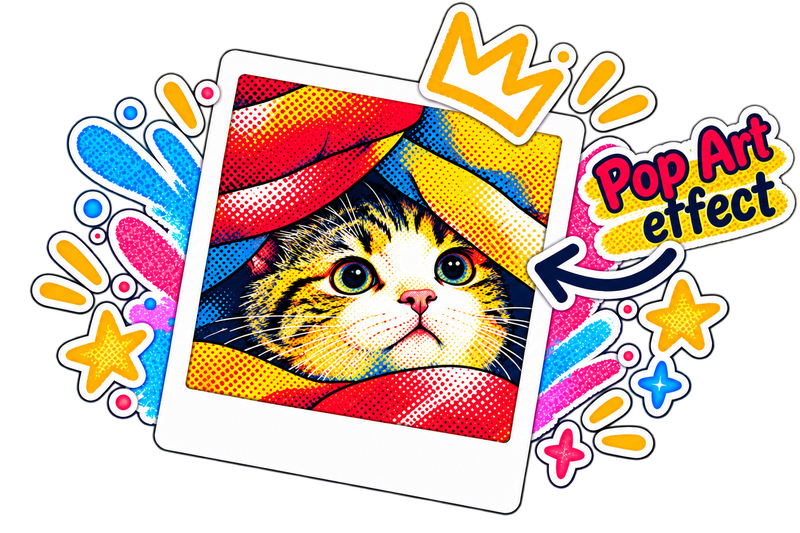
Split your photo into four flat color bands and overlay a rotated halftone dot screen. Pick a classic, neon, blue duotone, or black-and-white palette and tune dot size and contrast.
Choose an image to start
Drag and drop a photo here, choose a file, or paste from your clipboard. JPEG, PNG, and WebP up to 48 megapixels.
Your image stays in your browser for local effects.
Pop art borrows from screen printing and newspaper comics: flat colors, hard tonal steps, and visible halftone dots.
Higher contrast gives punchier posters; a finer dot density gives a more printed look.
Quick answers about privacy, formats, and how this effect works.