Loading PixDazzle
Convert a photo to black and white with tone control.


Choose an image to start
Drag and drop a photo here, choose a file, or paste from your clipboard. JPEG, PNG, and WebP up to 48 megapixels.
Your image stays in your browser for local effects.
Convert a photo to black and white, then fine-tune brightness and contrast or add a warm or cool tint. Use the slider to keep some color if you want a partial fade.
Choose a JPG, PNG, or WebP file.
Start from Classic, High contrast, Soft fade, or Warm mono and refine.
Save the result in your preferred format.
Colors are weighted by how bright the eye sees them, not simply averaged.
Dial back the black-and-white amount for a muted look.
Neutral, warm, or cool tinting for a classic print feel.
Turn the same photo into something more creative.

Pencil-style shading from any photo.

High-contrast panels inspired by screen-print posters.
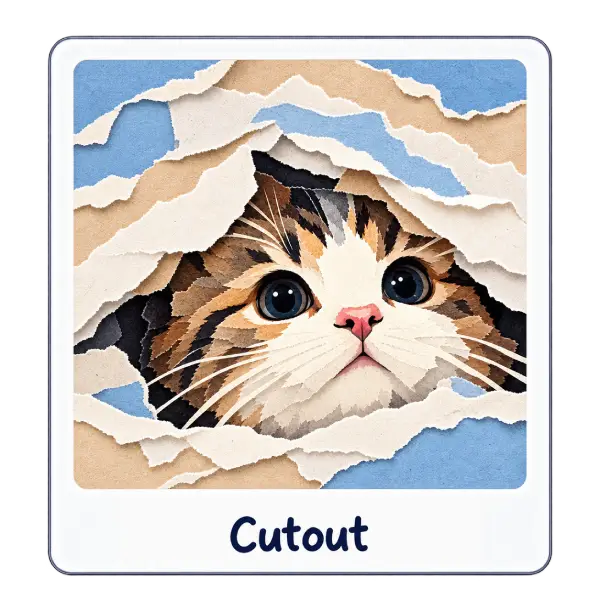
Reveal your photo through stacked sheets of torn paper. The picture itself stays photographic.