Loading PixDazzle
Shrink file size by lowering quality or dimensions.
Choose an image to start
Drag and drop a photo here, choose a file, or paste from your clipboard. JPEG, PNG, and WebP up to 48 megapixels.
Your image stays in your browser for local effects.
Reduce a photo's file size for email, uploads, or a faster website. Adjust the quality and longest side, and watch the new file size update before you download.
The original file size is shown so you can compare.
Lower the quality slider or cap the longest side. Start with the Web 1920 or Email 1280 presets.
Save the smaller JPEG or WebP file.
The size shown is measured from the actual compressed file.
Quality and dimensions both affect file size; use either or both.
Compression runs on your device, so large photos are never uploaded.
Turn the same photo into something more creative.
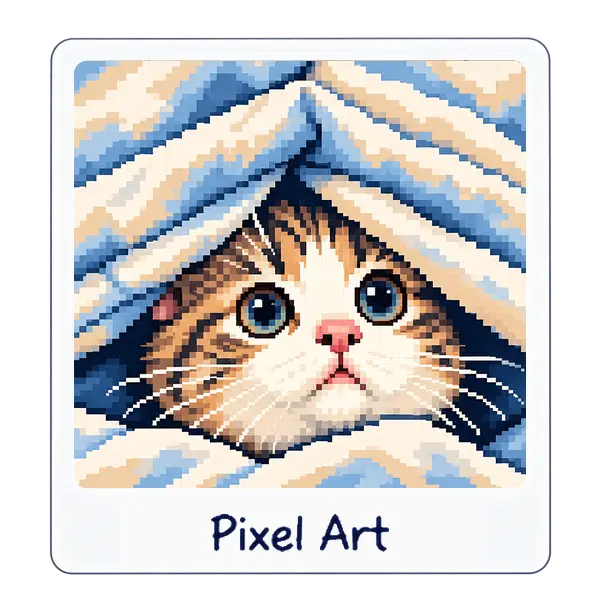
Chunky pixels with crisp retro color.
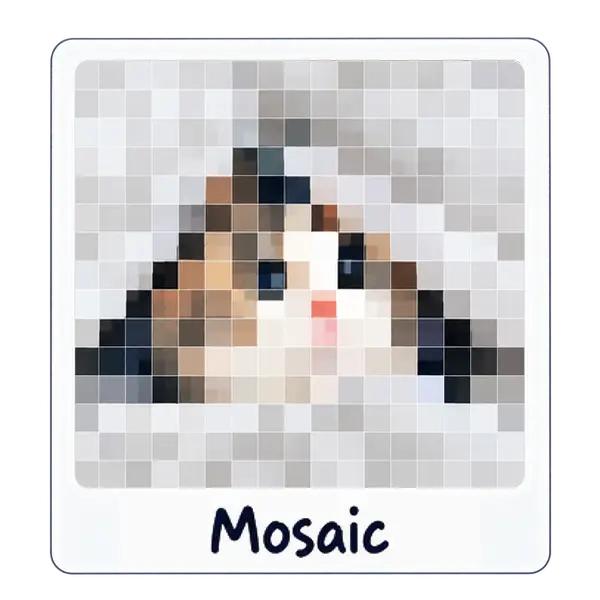
Tile your photo into square, hex, or triangle grids.
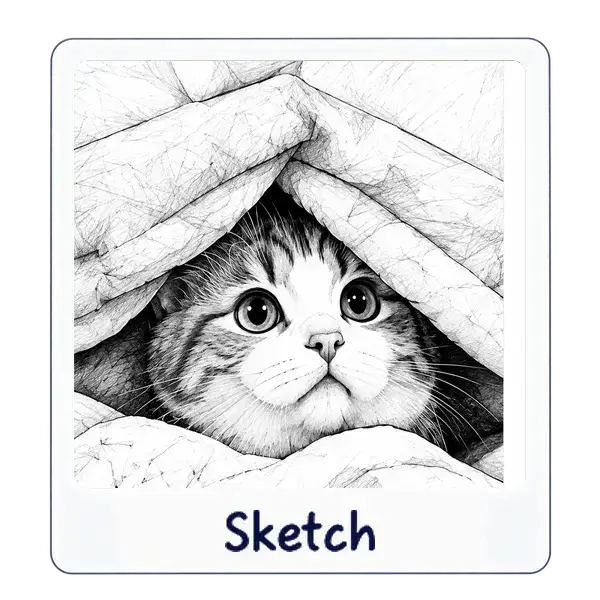
Pencil-style shading from any photo.