Loading PixDazzle
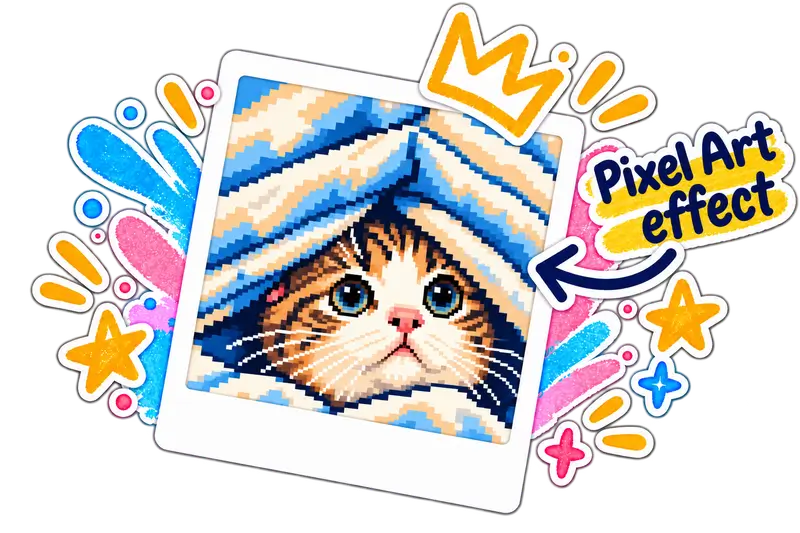
Downsample your photo into a grid of big square pixels, then limit the palette for an 8-bit look. Choose full color, a handheld green palette, or a 16-color console palette.

Choose an image to start
Drag and drop a photo here, choose a file, or paste from your clipboard. JPEG, PNG, and WebP up to 48 megapixels.
Your image stays in your browser for local effects.
Pixel art works by averaging each block of the photo into a single color, then snapping that color to a small palette. Ordered dithering adds the checkerboard texture classic games used to fake extra shades.
Everything runs locally, so your photo never leaves your device.
Quick answers about privacy, formats, and how this effect works.