Loading PixDazzle
Convert PNG images to JPG in your browser.
Choose an image to start
Drag and drop a photo here, choose a file, or paste from your clipboard. JPEG, PNG, and WebP up to 48 megapixels.
Your image stays in your browser for local effects.
Turn a PNG into a JPG for smaller files and wider compatibility. Transparent areas are filled with the background color you choose, since JPG cannot store transparency.
Other image types work too. The result is always a JPG.
White is the usual choice. Higher quality keeps more detail and makes larger files.
The new file size is shown before you save.
Transparent pixels become the color you pick instead of turning black.
Photos are usually much smaller as JPG than as PNG.
Conversion happens on your device.
Turn the same photo into something more creative.
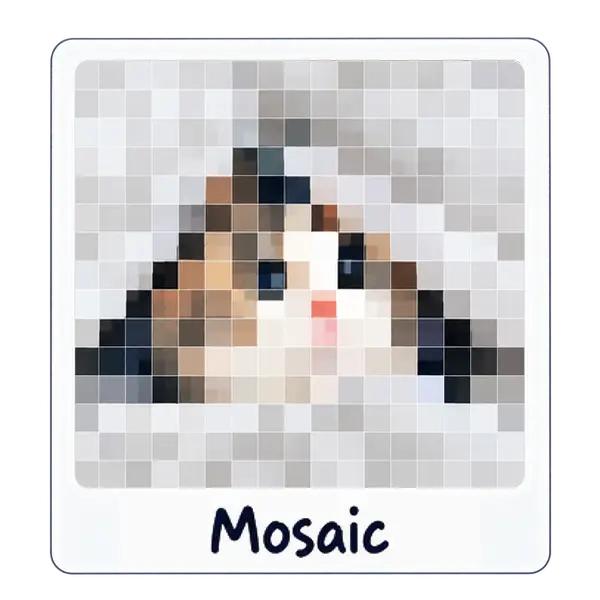
Tile your photo into square, hex, or triangle grids.

Pencil-style shading from any photo.

High-contrast panels inspired by screen-print posters.