Loading PixDazzle
Blocky pixelation with a live preview, done in your browser.

Choose an image to start
Drag and drop a photo here, choose a file, or paste from your clipboard. JPEG, PNG, and WebP up to 48 megapixels.
Your image stays in your browser for local effects.
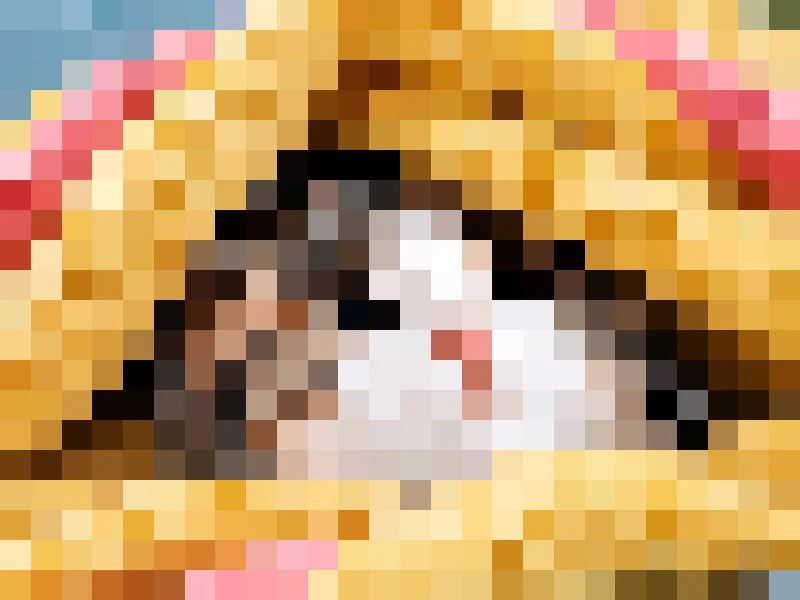
Turn a photo into chunky blocks for a retro look or to hide detail. Drag one slider to set how many blocks run across the picture and see the result instantly.
Drop a JPG, PNG, or WebP file, or paste one from your clipboard.
Fewer blocks means bigger squares. Try the Light, Medium, and Heavy presets first.
Pick a format and save the pixelated file at the original resolution.
Block size is measured across the picture, so the preview matches the full-size download.
The photo stays on your device while you work.
Average blends each block's color; Sampled keeps a crisper, sharper-edged look.
Turn the same photo into something more creative.
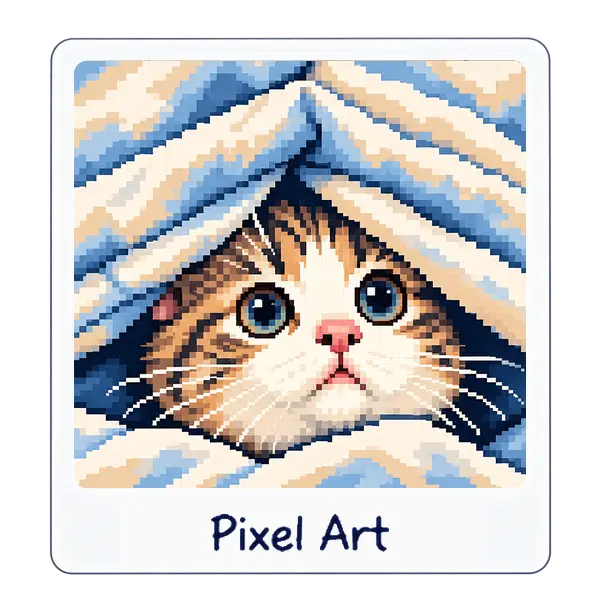
Chunky pixels with crisp retro color.
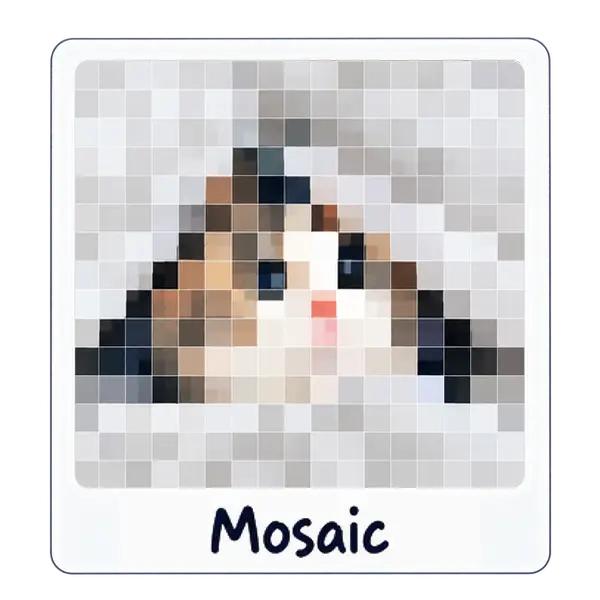
Tile your photo into square, hex, or triangle grids.
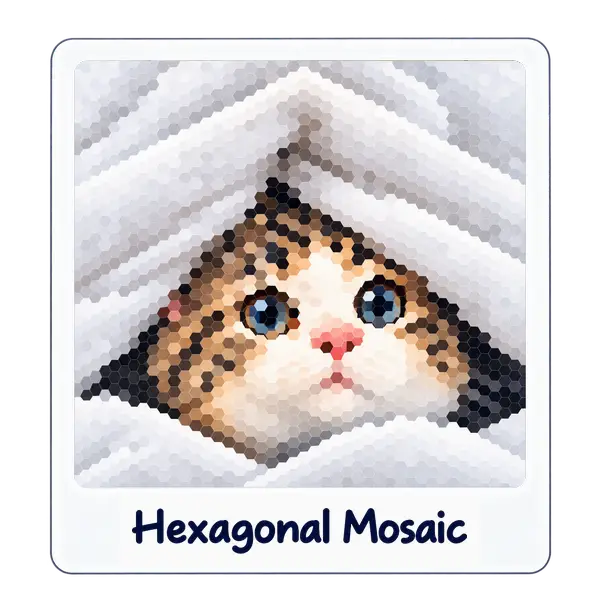
Honeycomb tiles for a fresh take on mosaic art.