Loading PixDazzle
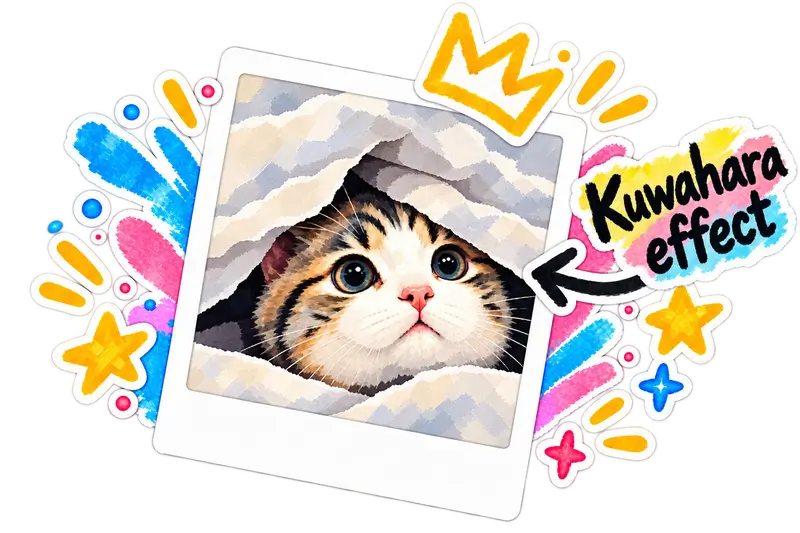
Apply a Kuwahara filter for brush-like smoothing that keeps important edges sharp. Adjust radius, intensity, and saturation locally.

Choose an image to start
Drag and drop a photo here, choose a file, or paste from your clipboard. JPEG, PNG, and WebP up to 48 megapixels.
Your image stays in your browser for local effects.
Kuwahara filters divide neighborhoods into quadrants and pick the most uniform region, producing a painted look.
PixDazzle runs the filter on a downscaled preview for speed, then re-renders at export resolution.
Quick answers about privacy, formats, and how this effect works.