Loading PixDazzle
Convert WebP images to widely supported JPG.
Choose an image to start
Drag and drop a photo here, choose a file, or paste from your clipboard. JPEG, PNG, and WebP up to 48 megapixels.
Your image stays in your browser for local effects.
Some email clients, forms, and older apps still reject WebP. Convert the file to JPG so it opens everywhere.
Drop the file in or paste it from the clipboard.
Transparent areas are filled with your chosen color.
You will see the new file size first.
JPG opens in practically every app and device.
Pick the color that replaces transparent areas.
Nothing is uploaded.
Turn the same photo into something more creative.
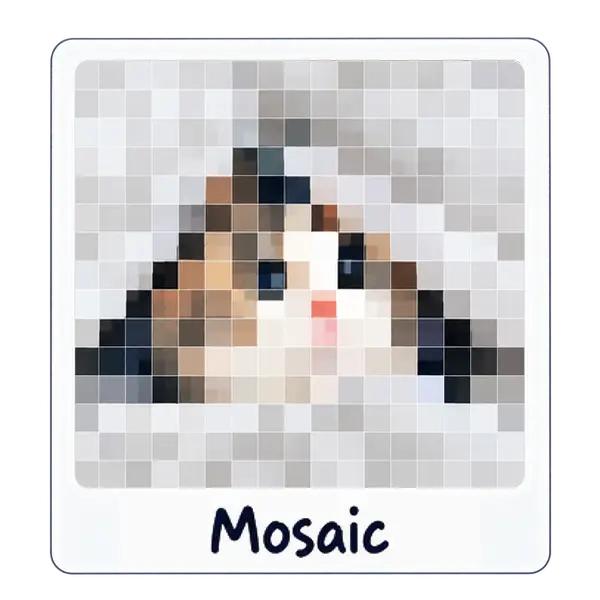
Tile your photo into square, hex, or triangle grids.
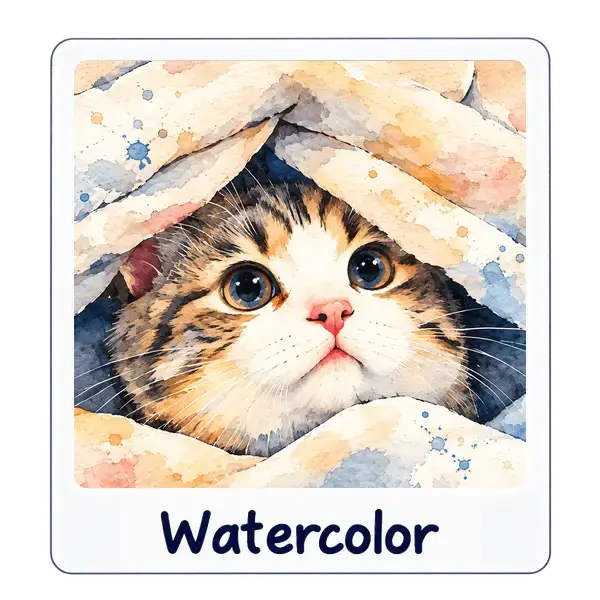
Soft washes and paper texture without leaving the browser.

Warm flares and vintage glow across the frame.